

Setup
Connecting Claude, ChatGPT and Cursor to one MCP endpoint, and fixing what goes wrong when sign-in fails or the tools do not show up.
Connect company apps to Claude and ChatGPT
To connect company apps to Claude and ChatGPT, connect each account once in Elaichi, share it, and add one URL to both. No MCP server to run.
 Raajshekhar Rajan
Connect Elaichi to Claude Code
To connect Elaichi to Claude Code, run one claude mcp add command and sign in with OAuth. The entry holds no secret, so a project .mcp.json is safe to commit.
 Roopendra Talekar
Connect Elaichi to Codex
To connect Elaichi to Codex, add one URL as a streamable HTTP server and run codex mcp login. No token, no header, and each engineer signs in as themselves.
Roopendra Talekar
Connect Elaichi to VS Code and Windsurf
To connect Elaichi to VS Code and Windsurf, add one URL to each editor's MCP config and sign in with OAuth. No personal API keys on any laptop.
 Nachi Raman
Connect Elaichi to Claude
To connect Elaichi to Claude, add one URL as a custom connector and sign in with OAuth. On Team and Enterprise, an Owner adds it once for everyone.
Raajshekhar Rajan
Fix OAuth errors when adding an MCP connector
Most OAuth errors when adding an MCP connector come from the URL, the account or a missing checkbox. What each Elaichi error means, and who fixes it.
Raajshekhar Rajan
MCP tools not showing up? Start here
MCP tools not showing in Claude, ChatGPT or Cursor? With Elaichi, connected tools are never listed by design. Check these five things, in order.
Raajshekhar Rajan
Connect Elaichi to ChatGPT
To connect Elaichi to ChatGPT, a workspace admin adds one MCP endpoint as a custom app and each person signs in with OAuth. No API key, no per-user URL.
Raajshekhar Rajan
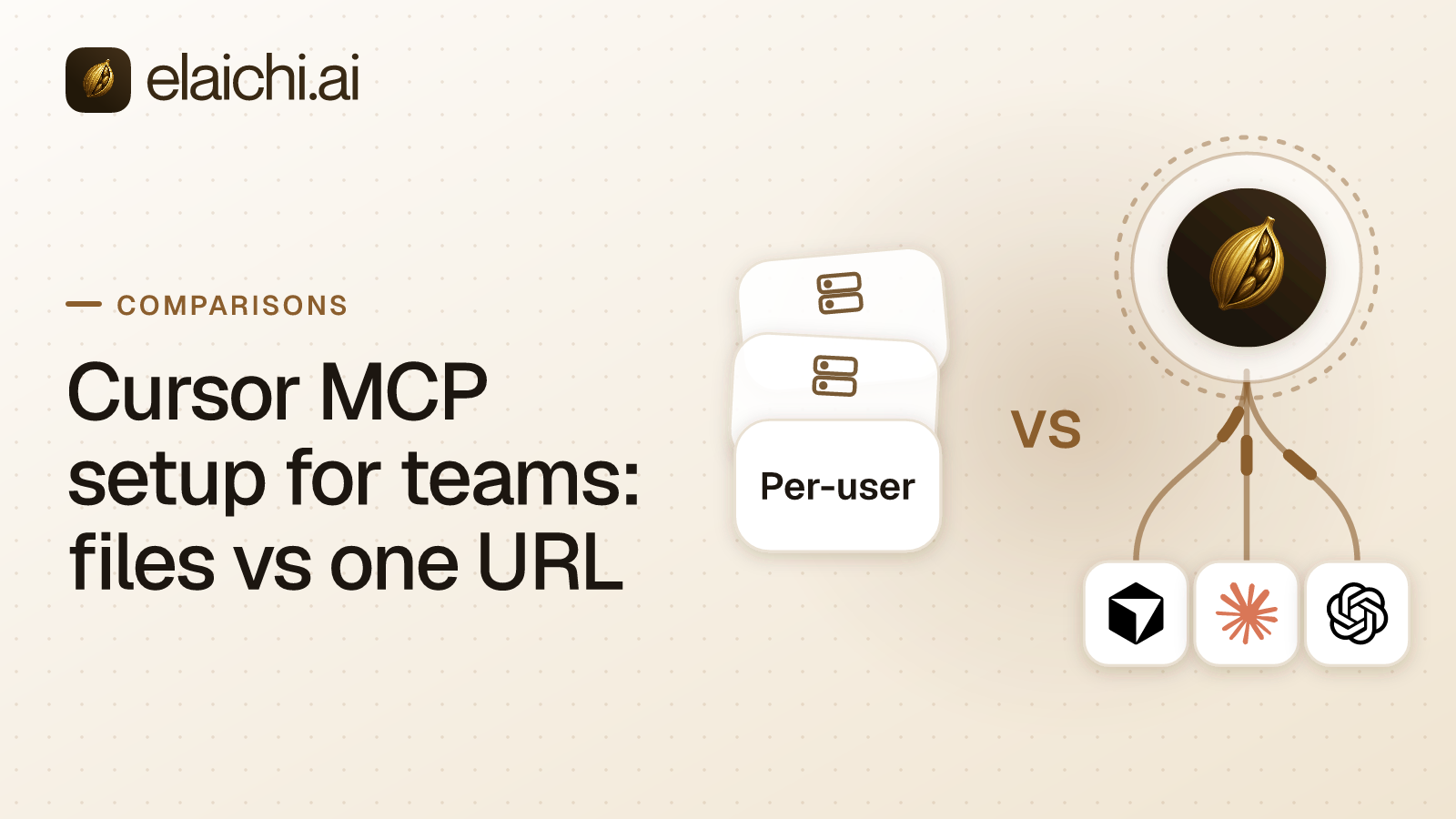
Connect Elaichi to Cursor for a whole team
To connect Elaichi to Cursor, add one URL to mcp.json or share it as a Team MCP server, and each developer signs in with OAuth. No API key.
Nachi Raman
Put AI to work in your own apps
14 days of Black, no credit card. Start with one app and one team.
When the trial ends, nothing is deleted. You move to the free Personal plan, and connections, roles and the audit log stay where they are.
 Add one link to your AI app
The same link for everyone on your team.
https://api.elaichi.ai/mcp
 ChatGPT
 Claude
 Cursor
 Microsoft Copilot