


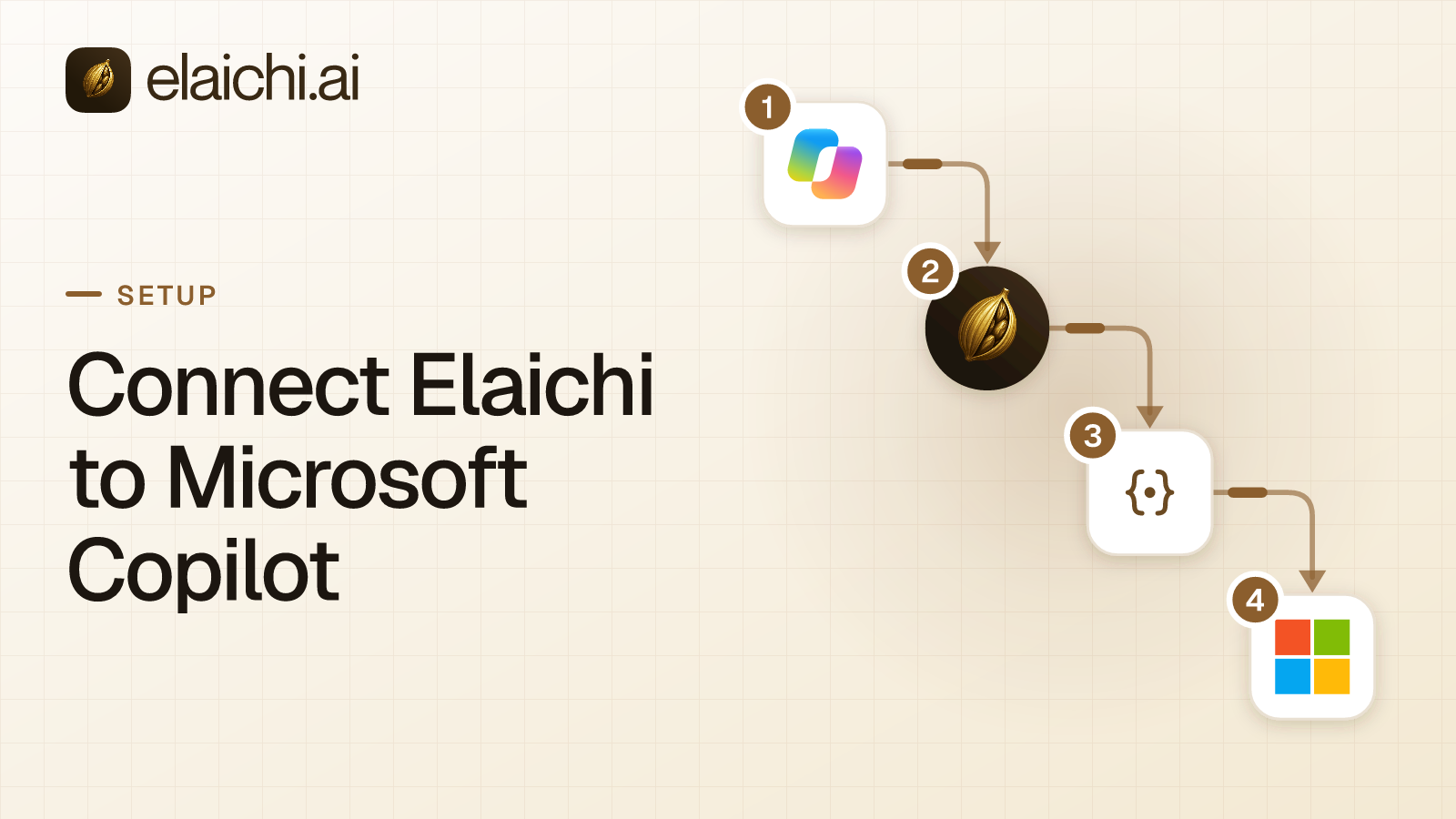
How do you connect Elaichi to Microsoft Copilot?
Through a Copilot Studio agent. A maker adds Elaichi's address, https://api.elaichi.ai/mcp, as a tool in the agent, picks OAuth 2.0 with Dynamic discovery, and publishes the agent to Microsoft Copilot. Each person then signs in to Elaichi as themselves. Elaichi's product team confirmed on 2026-10-21 that sign-in and connected tools work this way.
A support team that works in Teams and Microsoft Copilot still keeps its tickets in Jira and its customers in HubSpot. Building one agent tool per app means one setup and one set of rules per app. One Elaichi tool reaches every app the company connects, with one set of rules and one audit log.
MCP (Model Context Protocol) is the standard way an AI assistant calls tools in other apps, and its specification is public. A maker is the person who builds the agent in Copilot Studio. Everyone else just uses it.
What do you need on the Microsoft side?
A Copilot Studio environment the maker can access, and users who can use Microsoft Copilot. Microsoft lists both as prerequisites for putting an agent in Microsoft Copilot (Microsoft Learn, checked November 2026). The agent needs generative orchestration turned on to use an MCP server (Microsoft Learn, checked October 2026).
Microsoft's MCP articles describe agents on its standard harness, the engine for rule-based agents. Microsoft's pricing page says the Copilot Studio included with Microsoft 365 Copilot lets licensed users build and use internal agents on that harness at no extra cost (Microsoft's Copilot Studio pricing, checked October 2026). Outside that, Microsoft sells Copilot Studio capacity, for example as Copilot Credit packs.
One more Microsoft control applies. Copilot Studio reaches MCP servers through Power Platform connectors, so a data policy on those connectors also governs the agent's use of Elaichi. On the Elaichi side, every new workspace starts on a 14-day Black trial, no credit card to start. Buying Gold or Black during the trial keeps its remaining days rather than granting a fresh 14, so it is one continuous trial, and the seats are first charged when it ends. A workspace that buys nothing moves to the free Personal plan.
How does a maker add Elaichi to a Copilot Studio agent?
With Microsoft's MCP onboarding wizard, in six steps. This is the path on Microsoft's page as of November 2026 (Microsoft Learn).
- Open the agent's Tools page, select Add a tool, then New tool, then Model Context Protocol.
- Enter Elaichi as the Server name, and paste
https://api.elaichi.ai/mcpas the Server URL. - Write a short Server description, such as "Company apps: Jira, HubSpot and the other apps we connected to Elaichi". Microsoft says the agent uses it to decide when to call the server.
- Set the authentication to OAuth 2.0, and the type to Dynamic discovery.
- Select Create, then Next.
- On Add tool, select Create a new connection, sign in to Elaichi, and select Add to agent.
Dynamic discovery is for a server that lets apps register themselves and publishes where to sign in. Elaichi does both, so there is no client ID, secret or address to copy. Copilot Studio supports the Streamable transport, which is the one Elaichi's address speaks.
Should the tool use each user's credentials or the maker's?
Each user's. That is Microsoft's default for a Copilot Studio tool, and it is the setting that keeps Elaichi's rules working. With it, each person signs in to Elaichi as themselves the first time the agent needs the tool.
The other setting, maker-provided credentials, uses the maker's sign-in for every user. Microsoft warns it can overshare. With Elaichi the effect is plain: every call acts as the person who approved the sign-in. So every user would reach what the maker can reach, and the audit log would name only the maker. An admin can also stop makers from choosing it in the Power Platform admin center.
How do people use the agent in Microsoft Copilot?
Publish it, add the Microsoft Copilot channel, and share it. An agent must be published at least once before anyone can use it there.
- Publish the agent.
- Open Channels, then the Microsoft 365 and Microsoft Teams tile.
- Keep Make agent available in Microsoft Copilot selected, and select Add channel.
- Select See agent in Teams to install it for yourself, in Teams and in Microsoft Copilot.
- Under Availability options, copy an install link, show it to shared users, or submit it to your admin for the whole organization.
People type @ in Microsoft Copilot, pick the agent and ask. A person can install the agent and still be unable to chat with it if it was not shared with them, so share it before you send the link.
What does a request look like from Microsoft Copilot?
Jake Morgan leads a support team and has connected his Jira account to Elaichi from the Jira connector page. In Microsoft Copilot he picks the agent and asks: "Which Jira issues assigned to me are still open?"
The agent does not see a long list of Jira tools. In Elaichi, connected tools are never listed one by one, however few there are. The agent uses Elaichi's search tool to find Jira's issue search, then the run tool runs it on Jake's Jira account. That also keeps the agent well under Microsoft's advice of 25 to 30 tools per agent (Microsoft Learn, checked October 2026).
Elaichi writes one entry for each connected-tool call that reaches execution (a call refused earlier writes none). In Elaichi, a call from an MCP client is recorded under the person who signed in, with surface mcp and the OAuth client named. So the entry names Jake and his Jira account. For a tool that changes data, a maker can turn on the tool's "Ask the end user before running" option, which is off by default.
What does Elaichi show for Microsoft Copilot in Connected apps?
The name the app gave itself, marked as self-reported, and no Microsoft logo. Copilot Studio signs in through a sign-in address Microsoft shares across agents. Elaichi leaves that address off its list of recognized apps on purpose, because it cannot prove which agent is calling. The console flags the name as "Name provided by the client itself".
Each person sees their own entry under Settings, then Connected apps, with the app, its access, its toolboxes, when it connected and when it was last used. The consent page warns that app names and logos can be faked. So check that you started the sign-in yourself before you select Allow.
What decides which tools the agent can call for each person?
The person's role in Elaichi, what has been shared with them, and restrictions. A restriction is a rule that limits what a role or a person can reach. Restrictions decide which connectors and which individual tools a target may reach. A rule aimed at a member can only narrow what their role allows, and never replaces or loosens a role rule.
A restricted tool is left out of the tools Elaichi offers a client and cannot be called. Search still names it, flagged restricted, with no schema. A change takes about two minutes to apply. Microsoft's own controls sit on top and work on the whole server: a data policy can block Elaichi for an environment, but Elaichi's rules decide which single tools each person gets.
To end one person's access, they disconnect the app in Connected apps, and its next call fails. To end everything for someone who leaves, remove them in Elaichi. In Elaichi, removing or suspending a member revokes every live grant in the same transaction as the membership change.
When is Microsoft's own connector enough?
When a team needs one app, and Microsoft already has a Copilot connector for it that does the job. Then you do not need Elaichi for that app. Elaichi earns its place when the same team needs several apps, rules down to a single tool, and one audit log across Microsoft Copilot, Claude, ChatGPT and Perplexity.
Microsoft Copilot with Salesforce and Jira compares the two routes for those apps, and Copilot Studio vs an MCP gateway covers who writes the rules. Gold lists at $15 per user per month in USD, or $10 per user per month billed annually, and the pricing page shows your region's price. The same address works in Claude, ChatGPT, Perplexity and Grok.



 Add one link to your AI app
 ChatGPT
 Claude
 Perplexity
 Grok
 Cursor
 Microsoft Copilot