Connect Linear to Claude for our product team: what you are wiring
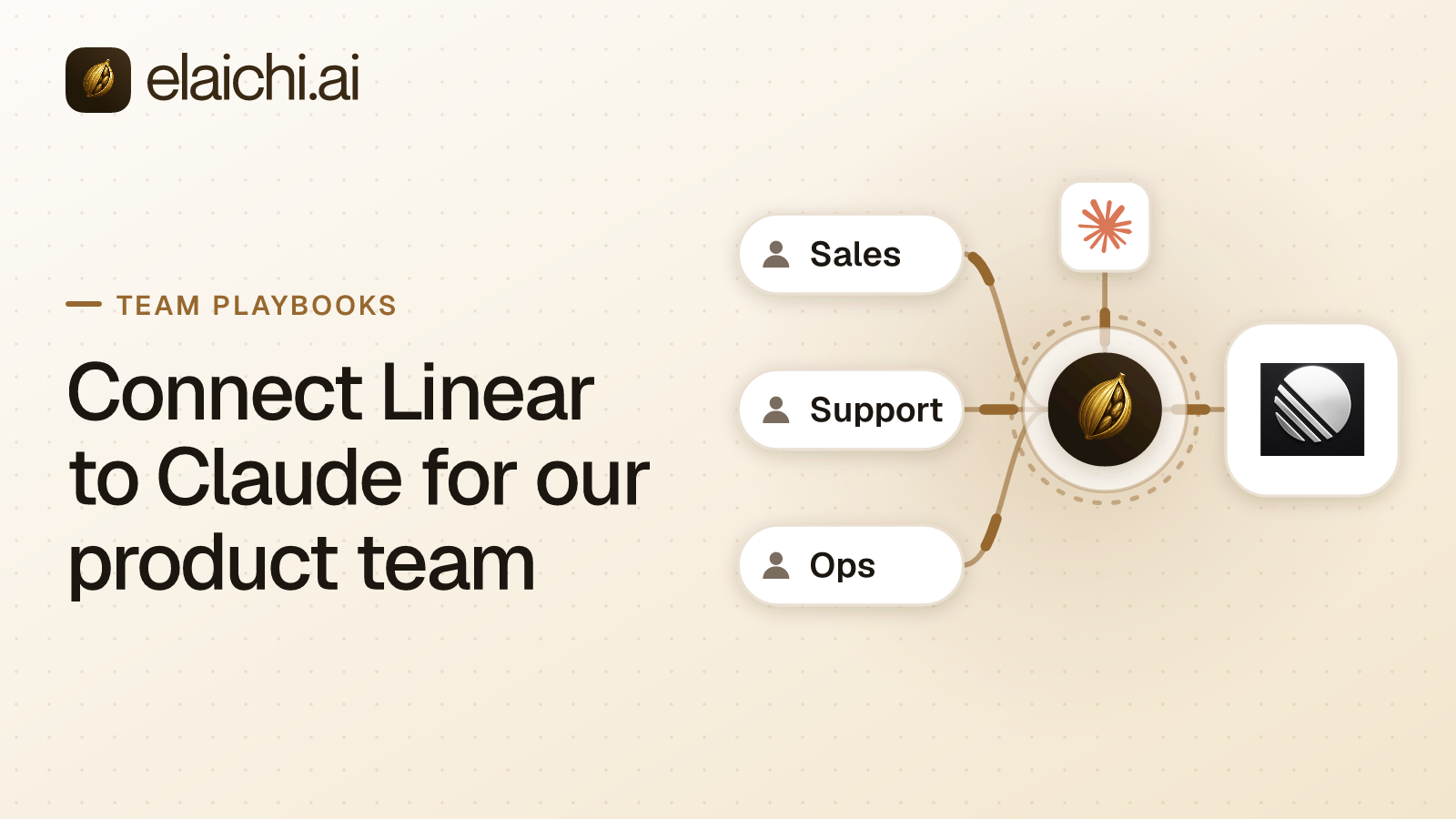
A product manager asks for Linear inside Claude. The request sounds like one setup task. It is two. In Elaichi's catalog Linear is a native MCP connector. Linear builds and runs the MCP server and its tools. Elaichi handles sign-in, access and audit in front of it. The console's Native MCP badge says exactly that on the connector itself. Claude reaches those tools over MCP. MCP (Model Context Protocol) is the standard way an AI assistant calls tools in other apps.
The wiring has two halves. Each product manager connects Claude once to https://api.elaichi.ai/mcp. They sign in to Elaichi and approve their own grant, the standing approval one person gives one named client. Then each of them connects Linear with their own Linear sign-in. Claude holds only an Elaichi token. Elaichi never forwards that token to Linear's server, which sees only a token its own authorization server issued. The stored credential sits in Elaichi's separate credential service. The client-side walkthrough is in connecting Elaichi to Claude. The rest of this post is the governance half.
The failure a product team hits first
The first failure is not Claude reading too much from Linear. It is Claude closing, reassigning or deleting work, because nothing in the connect flow narrowed it.
Two defaults stack up. On a native MCP connector, a tool the vendor's server does not mark read-only or non-destructive counts as destructive in Elaichi. On Elaichi's MCP endpoint, the consent checkbox "Run your connected tools" runs every tier of connected tool, deletes included. The "Delete data and remove access" checkbox covers Elaichi's own data, not a connected app's. So the person approving the connection in Claude cannot tick their way to a read-only Linear.
Claude's own connector permissions are set to Always allow, Needs approval or Blocked, for a whole connector, a category of its tools or a single tool (support.claude.com, checked October 2026). That control cannot single out a Linear tool here, because connected tools are never listed one by one, however few there are. The names in Elaichi's list are search_tools, execute_tool and run_code. A per-tool rule in the client therefore covers every connected app at once. Cursor shows the same shape from the other side: it asks for approval before using MCP tools by default (cursor.com, checked October 2026), and the tool that prompt would name is execute_tool, not a Linear tool. Per-app and per-tool control belongs in Elaichi, as restrictions: rules that say which connectors and tools a role or one member may reach. Restricting one tool or the whole app covers how to choose between the two shapes.
Restriction one: block Linear's write and delete tools
Write a block rule naming Linear's write and delete tools, on the role the product team holds. In a restriction rule, a tool from a vendor's MCP server is the resource mcp with the upstream tool name as its method. So you need the names Linear's server actually publishes. Read them off the connector's Tools tab in the console. That tab lists the tools that are on and gives a manager Turn off beside each one.
Two things decide where the rule goes. A restriction targets a role or one member, and nothing wider. Where no rule reaches a member, nothing is restricted for them. A product team is usually a team. So either give it a custom role, which Gold includes, or accept that a rule written on Member applies to everyone on Member. Designing roles for AI agents works through that choice.
Name the trade-off before picking a mode. A layer with only block rules has no allowlist. Every Linear tool you did not name stays reachable, including one Linear ships next month. An allow rule naming only the read tools closes that gap. But an allow rule turns on the allowlist for the whole layer, so the role then needs allow rules for every other app it uses. Blocks match a tool by name or by operation; allows match the pinned operation only. That is why blocks catch a renamed tool and allows do not.
Writing one needs the restriction:manage permission. Among the built-in roles, Org Owner and Org Admin hold it, and the rule also needs the restrictions feature that Gold and Black both include. A new or changed rule takes effect within about two minutes. A restricted tool is not hidden from the person: search_tools still names it, flagged as restricted and with no way to call it. A product manager can therefore ask an admin for access instead of guessing.
Restriction two: one Linear connection per person
Have every product manager connect Linear themselves, and share no connection. Every call through a connection uses that connection's own bound account, whoever makes the call. One shared Linear connection would therefore act in Linear as its owner for everyone it is shared with.
Per-person connections buy three things. Linear's own permissions apply per person, so a product manager reaches what they could reach signed in there. The audit row names the right human. And tool discovery runs per connection, with that connection's own credential. Different accounts can see different tools, so nobody inherits a colleague's wider list. AI agents with employee permissions is the longer version of this argument. Offboarding when the agent holds access covers what a shared connection costs you at the other end.
Restriction three: hold new Linear tools at review
A native MCP connector starts with its new-tool policy set to automatic. A tool the server lists for the first time is then usable at once. Switch the policy to review. Under review a newly seen tool waits as pending review until someone who can manage the connector approves it. That approval is bound to the exact definition the reviewer saw. A connection whose server later presents a different definition of that tool cannot call it until the new definition is approved too.
Changing the policy, or a tool's status, needs the connector:manage permission. Among the built-in roles only Org Owner and Org Admin hold it. While you are in there, check each tool's tier and where the tier came from. Elaichi reads the tier from the server's own annotations and treats a tool with none as destructive. The console shows whether a tier is the server's label, the protocol default or a manager's override. A manager can lower a tier per tool. That override is cleared if the server's own tier later rises above it.
Two honest notes. Elaichi staff do not curate a native connector's tools. What a member can call is what Linear's server lists to that member's own connection. And the connector's page carries Linear's own support contact, because reports about its tools go to the vendor rather than to Elaichi.
The audit query that proves it
In the console's audit log, set the category filter to Assistant and search for linear. Connected-tool calls sit in the Assistant category, because their action is assistant.toolbox_tool. The MCP category holds client grants, not tool calls. The free-text search matches each word of the query anywhere in the action, the resource and the event's stored details.
Skip the action-kind filter for this. A connected-tool call is filed as "other", not as created, updated or deleted. Filtering by kind therefore hides the calls you came for. Use the entry's detail panel instead. It opens with a sentence naming the surface, the person, what they did and the connection, starting "Using Claude, ...". Below that sit lines for Connector, Connection, What it did (Read data, Changed data or Deleted data), Approval and Outcome. For a call from an AI client, the Approval line says it was allowed by the access that client was granted.
Know what the log does and does not prove. Every call that reaches execution is recorded. The row carries the person, the connector, the connection, the tool's advertised and catalog names, its classification, the surface, the MCP client and the outcome. A call a restriction refused before execution writes no row at all. Blocked calls are evidenced by the rule and its restriction.created entry, not by silence in the tool-call list. Any member can read their own events. Reading every event in the organization takes audit:view, held by Org Owner, Org Admin and the free, read-only Auditor role. Elaichi keeps 90 days of audit history, and export to your own Datadog comes with the Black plan, which is launching soon. What an AI agent audit log must capture lists the fields to check before accepting any of this as evidence.
When your product team does not need Elaichi for this
If Linear is the only app and the product team is the only team, you do not need a second vendor. On Claude Team and Enterprise an Owner adds a remote MCP server as a custom connector from Organization settings, then Connectors (support.claude.com, checked October 2026). Each member then connects it themselves, and the vendor's own permissions still apply per person.
What you give up is the part this post is about. Calls a client makes straight to a vendor's MCP server do not pass through Elaichi. There is no Elaichi restriction in front of them and no Elaichi audit row behind them. The case for one governed endpoint starts at the second app or the second team. You get one address that Claude, ChatGPT and Cursor all sign into, one set of rules across a catalog of 650+ connectors, and one log to read afterwards. When you don't need an MCP gateway yet is the honest test. MCP governance is the wider picture. Which Notion workspace did ChatGPT write to runs the same exercise for a product team's other app. The full catalog sits at connectors, and the governance use cases show where this fits in a rollout.