


Does a Jobber MCP server for field service teams work in Claude and ChatGPT?
Yes. Connect Jobber in Elaichi over OAuth, add https://api.elaichi.ai/mcp in Claude, ChatGPT, Cursor or Microsoft Copilot, and hold dispatchers to Jobber's nine read tools plus two create tools with block rules on the dispatcher role.
A dispatcher starts the day with the same questions. Which jobs are booked for Thursday, who is the client on the 9 a.m. visit, and did Monday's inquiry become a request. MCP (Model Context Protocol) is the standard way an AI assistant calls tools in other apps, and the Jobber connector lets a chat client answer those from Jobber directly.
What does Jobber's authorization grant an app?
Jobber hands an app a token limited to the scopes the user approved. The token acts for one Jobber account, and a company admin on that account approves the app. The consent screen lists the scopes, and access tokens expire after 60 minutes (checked November 2026, Jobber's app authorization docs).
Scopes are the only permission dial Jobber documents for an app. They set what data the app can read or write. After an app is published, adding a scope means existing users must authorize again (checked November 2026, Jobber's getting-started docs). Neither page describes a per-dispatcher view inside the token. In Elaichi, a restriction on the dispatcher role supplies that.
Which Jobber tools should dispatchers reach?
Dispatchers need nine reads: list_all_jobber_account, list_all_jobber_clients, get_single_jobber_client_by_id, jobber_clients_count, list_all_jobber_requests, get_single_jobber_request_by_id, jobber_requests_count, list_all_jobber_jobs and get_single_jobber_job_by_id.
Intake adds two creates. create_a_jobber_request logs a work inquiry against an existing client, and create_a_jobber_client lodges a lead. Both suit someone answering the phone.
The other four tools stay with the manager. update_a_jobber_client_by_id and update_a_jobber_request_by_id change details on records someone else owns. jobber_clients_archive retires a client, and Jobber refuses it while the client has open jobs. The fourth is the GraphQL tool.
Why does the GraphQL tool get its own rule?
create_a_jobber_graphql sends any query or mutation to Jobber. In GraphQL, writes are fields on a Mutation type, and those fields can take structured input objects (checked November 2026, GraphQL's mutation guide). So one tool can express any write that Jobber's approved scopes allow.
Jobber's typed client tools only set simple fields. Emails, phone numbers, addresses and status tags go through this tool. A restriction names tools, not query text, so the tool is either on or off for a role. Quotes and invoices have no typed tool in the connector, which leaves GraphQL as the only route to them.
The trade-off is real. With it off, a dispatcher can create a client with name-level details but cannot add an email through the chat. Most desks accept that gap.
Whose Jobber sign-in runs a dispatcher's call?
The sign-in of whoever made the connection. In Elaichi, every call through a connection uses the account that connection was made with, whoever is calling. Jobber has a company admin approve the app, so plan for one admin to finish the OAuth step.
A connection shared with the desk runs each person's call on its owner's sign-in. That is fine when the owner is an admin account kept for the purpose. It is risky when it is somebody's personal login. Write the choice down, so the next admin knows why every Jobber record shows the same user.
Should the dispatcher role use an allow rule or block rules?
Block rules, because Jobber has only six tools that are not reads. Holding a role to an app's reads takes either an allow rule naming those reads, plus allow rules for every other app the role uses (once a role carries any allow rule, every connector and tool none of its allow rules names is blocked for that role), or block rules naming every tool on the app that is not a read (a layer with only block rules has no allowlist, so everything it does not block passes it).
The test is how many tools you would have to list. The dispatcher keeps two of the six non-read tools, so four block rules finish the job, and no other app on the role needs touching. An app with hundreds of tools would flip the choice. One cost remains: a tool Jobber adds later stays reachable until you name it.
What does Elaichi show when a dispatcher hits a restricted tool?
A restricted tool is left out of the tools Elaichi offers a client and cannot be called. Search still names it, flagged restricted, with no schema. A dispatcher who asks the model to archive a client hears that it is restricted for the role and can file an access request. An admin decides it in the console under Governance, then Access requests. No AI client can approve one.
Elaichi writes one entry for each connected-tool call that reaches execution (a call refused earlier writes none). For Jobber, a row names the person, the tool, the connector, the connection and the MCP client. One limit matters for GraphQL: a connected-tool row holds no argument values beyond one path argument, so a create_a_jobber_graphql row proves a call ran and who made it, not the query text. Elaichi keeps 90 days. For longer, export to your own Datadog comes with the Black plan.
When should a one-person shop skip a governed endpoint?
If the owner is the only person who will ask an AI about Jobber, connect that one account and stop. Nobody else exists to restrict, and Jobber's own consent screen already shows the scopes.
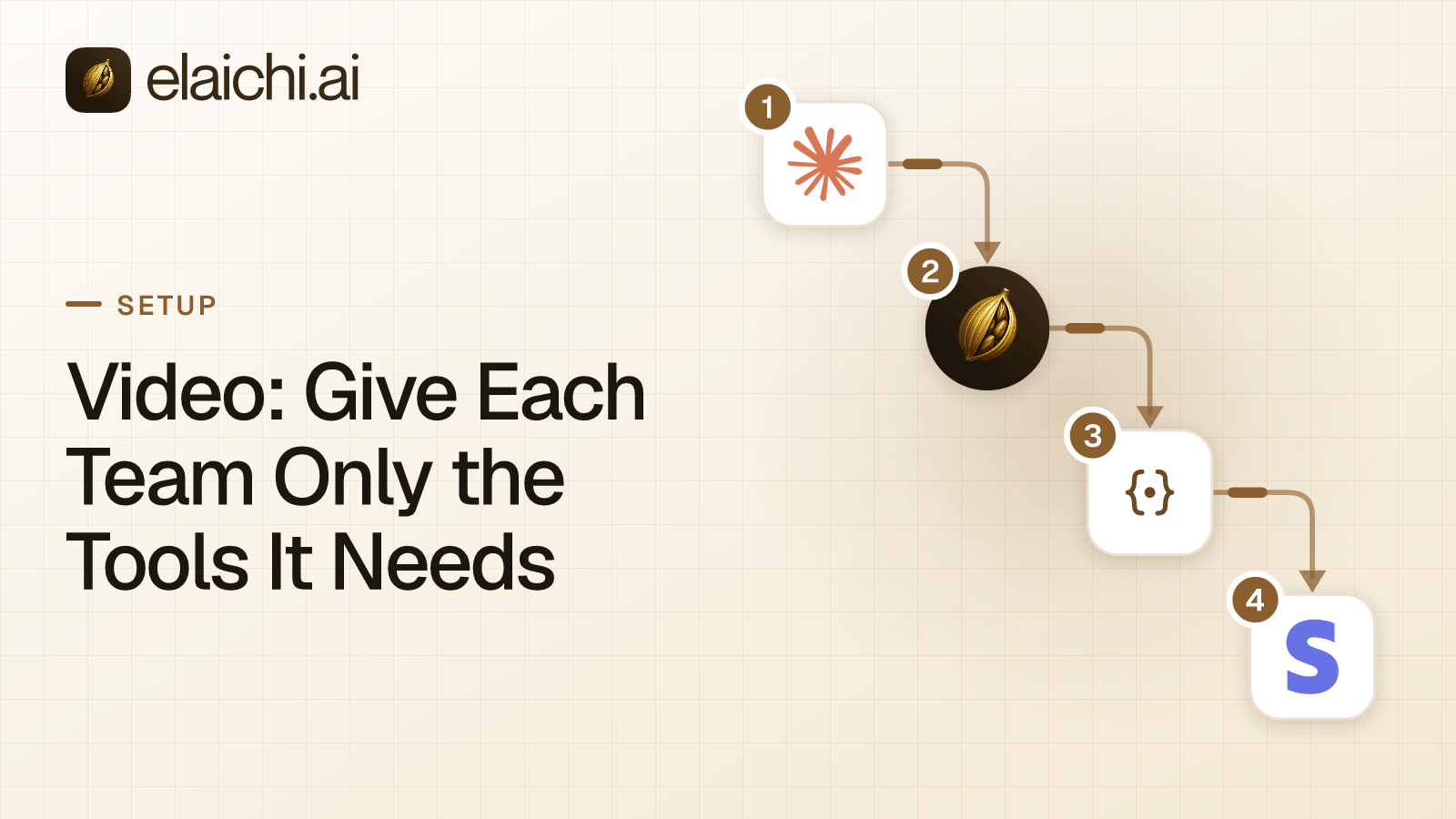
The case for Elaichi starts when a second dispatcher or a crew lead joins. Over MCP, Elaichi does not pause a write to ask first. If you want each new client confirmed before it lands in Jobber, turn on a confirm step in Claude or ChatGPT. For the wider pattern, read how to give each team only the tools it needs, or browse the connector catalog of 900+ connectors.



 Add one link to your AI app
 ChatGPT
 Claude
 Cursor
 Microsoft Copilot