What reps and setters ask LeadPerfection in Claude all day
A setter at a home-improvement company has a homeowner on the phone. The question is when a rep can be in their driveway. A rep in the truck wants the details of a 2:30 PM appointment. The call-center manager wants the leads that came in yesterday and never booked. Every one of those answers sits in LeadPerfection, and putting LeadPerfection in Claude is worth doing for exactly those reads.
Elaichi's LeadPerfection connector carries 59 tools. By operation, 39 read, 9 create and 11 more write in other ways, and none deletes. MCP (Model Context Protocol) is the standard way an AI assistant calls tools in other apps. Elaichi serves 600+ connectors through one address, so the sales floor reaches LeadPerfection the same way it reaches the rest of its apps.
The reads a sales floor uses most:
| Question | Tool |
|---|---|
| Appointments for a date range | list_all_leadperfection_sales_appointments |
| Appointments across every rep | leadperfection_sales_appointments_list_details_by_date_range |
| One appointment's details | leadperfection_sales_appointments_get_detail |
| Inbound leads by date | leadperfection_leads_list_inbound_history |
| Slots still to fill, next 14 days | list_all_leadperfection_lead_forward_look |
| Each rep's slots by day | list_all_leadperfection_sales_schedule |
| Leads waiting in a call queue | list_all_leadperfection_dialer_queue_leads |
The design question is which of the 20 writes a rep may reach. Decide it once, on the role, not per rep or per call.
Why "my appointments" can answer for the wrong rep
Some LeadPerfection reads answer for whoever is logged in, and on a shared connection that is not the rep asking. Three tools say so in their own descriptions: leadperfection_sales_appointments_list_calendar, leadperfection_sales_appointments_list_by_day and list_all_leadperfection_sales_open, which lists recent sales, all cover the logged-in sales rep.
Every call through a connection uses that connection's one credential, whoever makes the call. So when Jake Morgan asks Claude for his day, a logged-in-rep tool returns the day of the LeadPerfection user behind the connection. That is possibly a user with no appointments of its own. Nothing is wrong with Claude or with Elaichi. The tool did what its description says.
The fix is to steer reps to the tools that span the whole team. leadperfection_sales_appointments_list_details_by_date_range covers all sales reps rather than just the logged-in user. Ask for a date and name the rep in the question. Leave the three logged-in-rep tools out of the toolbox, so the model never picks them.
Every LeadPerfection tool is a POST
All 59 LeadPerfection tools send HTTP POST, reads included, so the HTTP method says nothing about risk. Elaichi tiers the 39 reads as reads from their read-only annotations, and the other 20 as writes. None is tiered as a delete.
That has one consequence for consent. On Elaichi's consent screen, "Run your connected tools" runs a connected app's reads and writes alike. Only a tool tiered as a delete also needs "Delete data and remove access". No LeadPerfection tool is, so a rep who ticks "Run your connected tools" can run every LeadPerfection write their role allows. Read-only access never comes from a consent checkbox. It comes from a restriction in Elaichi.
Which LeadPerfection user should hold the connection?
Use a dedicated company API user, not a rep's own login. Partner setup guides for LeadPerfection describe this shape. Siro's setup guide says Siro connects using a dedicated API user that an admin creates in LeadPerfection's Security settings (checked October 2026). ActiveProspect's guide tells customers to create credentials for the company rather than use an existing user's, with API access checked (checked October 2026).
LeadPerfection also scopes that user by API method. Siro's guide sets permissions under Security, then User Access, where Function Level Security switches to API Security and each method gets its own checkbox. Structurely's guide lists the seven methods its connection needs, from AddCallHistory to GetSalesApptDispProd (both checked October 2026). Siro's guide says its sync fails when a method it lists is not ticked. Tick the methods the sales floor needs and no more, and keep Elaichi's restrictions as the limit you can see and audit.
The sales manager connects the leadperfection connector with that user's credential. Keep the connection private to its owner. The team reaches it through a shared toolbox instead, because a frozen argument holds only on the path that carries it.
Locking the schedule boards to a market
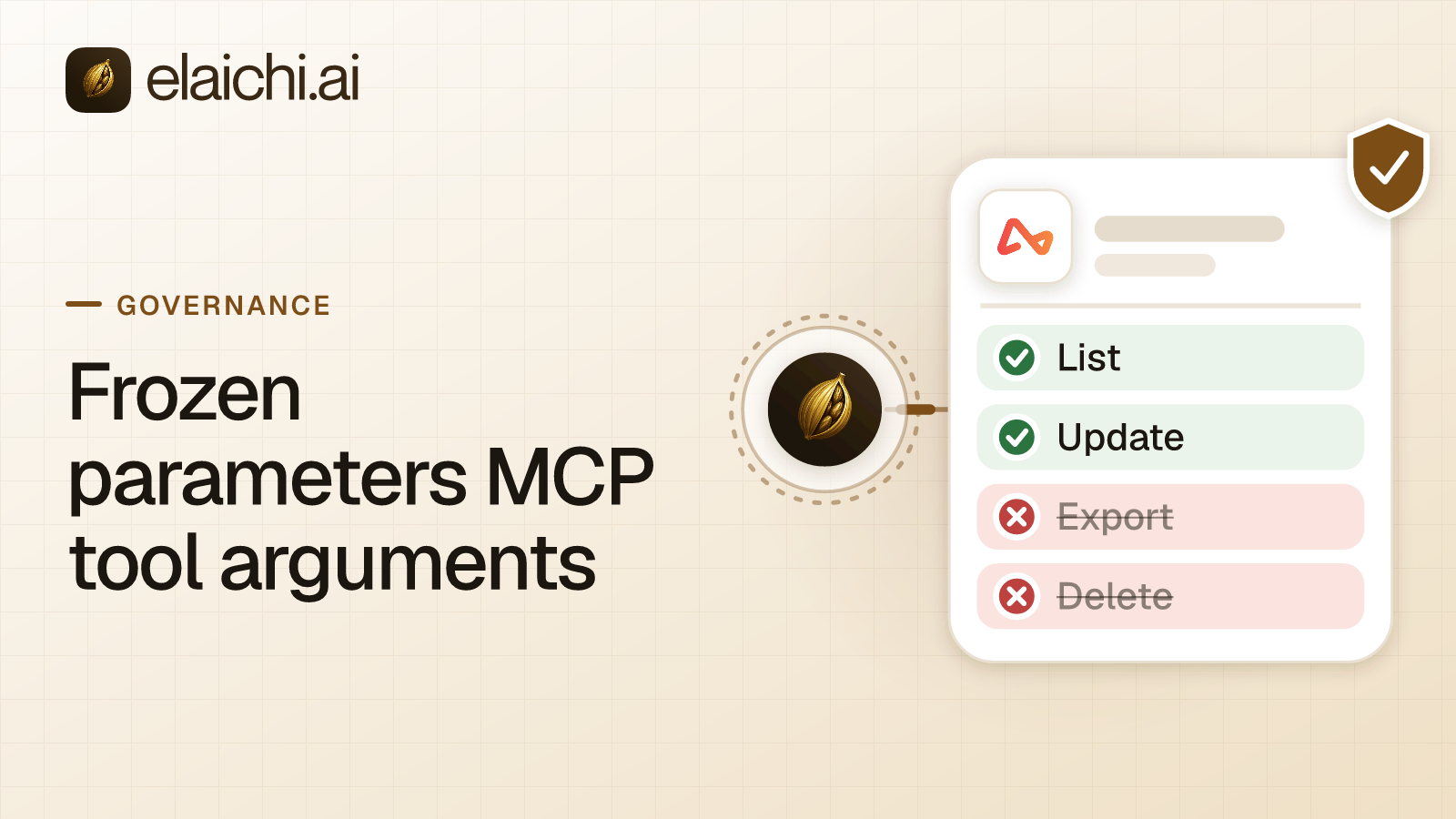
A frozen parameter is an argument value written into a toolbox entry that the caller cannot change. LeadPerfection's schedule tools are the place to use one. list_all_leadperfection_sales_schedule takes SlrID and BrnID, and its description says SlrID 0 returns all reps and BrnID 'ALL' returns all markets. list_all_leadperfection_lead_forward_look takes a branchid.
For a branch call center, pin the connection into a toolbox and freeze BrnID and branchid to that branch's market. Elaichi removes a frozen key from the schema the model sees and writes the value over whatever the call sends. Then share the toolbox with the branch at use. Through those entries, the schedule board and the forward look stay on that market.
The freeze covers only those two tools. The appointment lists, inbound history and dialer queue are not market-scoped by it. list_all_leadperfection_lead_forward_look also accepts a productid and zip in place of a branchid, so freezing branchid alone does not cover a zip lookup.
Three details decide whether the freeze holds:
- The freeze lives on the entry, not the connection. A call that reaches the same tool another way uses that path's own values. That is why the connection stays unshared: anyone who can use it directly has the tool without the freeze.
- The AI can see frozen values. A short value shows in the tool description, so the model knows the market is set. It cannot change it.
- Do not close the unfrozen path with a restriction. A restriction on the tool also restricts the frozen entry for that person. Close it by not sharing the connection.
The same pattern, with a payee instead of a market, is in locking a tool argument the AI cannot change.
The allow rule for the rep role
The rep role needs one allow rule naming the LeadPerfection reads above, two job reads (leadperfection_jobs_list_status_changes and list_all_leadperfection_job_notes) and the two booking tools: create_a_leadperfection_lead_appointment and leadperfection_lead_appointments_create_with_sales_rep. Both require a lead id, the setter's employee id, a date and a time. The second also sets the rep and product, and overwrites the lead's prior values when it does.
In Elaichi, the allowlist stage engages on the presence of an allow rule, not its contents, so an allow rule that names nothing denies everything. Once the rep role holds any allow rule, every connector and tool that no allow rule names is denied for that role. Add allow rules naming every other app the role uses, whole, or reps lose them. The trade-off between naming tools and naming apps is in restricting one tool against the whole app.
Two tools stay off the rule on purpose:
| Tool | Why it stays off |
|---|---|
leadperfection_customers_update_dnc_status |
Sets a prospect to do-not-call, do-not-mail, do-not-text, do-not-email or do-not-promote |
create_a_leadperfection_token |
Takes a LeadPerfection username, password and appkey as arguments |
Do-not-call status is a compliance-sensitive field. Changes to it belong with a manager, not with a model mid-call. The token tool is worse in a chat: using it means typing a password into the conversation, and no question a rep asks needs it.
That is the whole read set for the rep role. It leaves out list_all_leadperfection_prospect_data, whose records can include payments, and the job sales detail read, both of which stay with the manager role in the jobs playbook. Everything else the rule does not name falls away too: appointment results, prospect edits, notes imports and the job money tools. The toolbox decides what reps reach on this connection. The allow rule still holds if someone shares the connection later. A restriction change takes effect within about two minutes, so test it a few minutes after saving.
Adding Elaichi to Claude for the sales floor
On Claude Team and Enterprise, an Owner or Primary Owner adds the endpoint once, under Organization settings, Connectors, Add, Custom, Web (support.claude.com, checked October 2026). The address is https://api.elaichi.ai/mcp for every organization. Each rep then finds it under Customize, Connectors, connects, and approves their own grant on Elaichi's consent screen.
Claude's own tool permissions do not separate LeadPerfection from the rest. Elaichi's connected tools mostly run through one tool on Claude's side, execute_tool, so a Claude setting on it covers every connected app at once, though not calls made through run_code or a toolbox. Per-tool control for LeadPerfection lives in Elaichi's restrictions. The full Claude setup is in connecting Elaichi to Claude.
What the audit trail records for a booked appointment
Elaichi writes one entry for each connected-tool call that reaches execution (a call refused earlier writes none). For an appointment Emily Carter books from Claude, the entry names her, the tool, the LeadPerfection connection the call reached and the outcome. It records the surface as MCP and names the client, Claude, marked verified.
The approval line reads "Allowed by the access Claude was granted". Over MCP, Elaichi does not ask per call: the grant a rep approved on the consent screen is the approval. A per-call prompt a rep sees is Claude's own setting. Every rep can read their own activity in the audit log, and a manager with the audit permission sees the whole organization.
When a setter needs a tool the rule leaves out
Any member can file an access request, and filing needs no permission. An admin decides it in the Elaichi console, under Governance, Access requests. Approval gives that one person an access grant for exactly the tool requested. Every other rule on their role keeps applying, and nobody else's access changes.
No request can be approved from Claude or any other AI client. So if a setter asks Claude to change a do-not-call flag, the answer is a request in the queue, not a quiet change.
Does LeadPerfection have its own MCP server?
Elaichi cannot say either way. LeadPerfection's own site answered automated requests with a robot challenge in October 2026, so nothing here was read there. An API reference or MCP server is not documented on api.leadperfection.com (checked October 2026). Ask your LeadPerfection account manager directly.
If LeadPerfection offers its own server, it needs no second vendor, and for a floor that lives only in LeadPerfection that may be enough. Sometimes the honest answer is no gateway at all. Elaichi earns its place when reps also work in other apps, and one address, one set of rules and one audit log should cover all of them. The money side of the same connection, jobs, payments and commissions, is in LeadPerfection jobs in ChatGPT for a sales manager. The same per-rep question for a different CRM is in per-rep Salesforce access in ChatGPT, and the use cases page shows the pattern for other teams.