The paste a support lead actually found
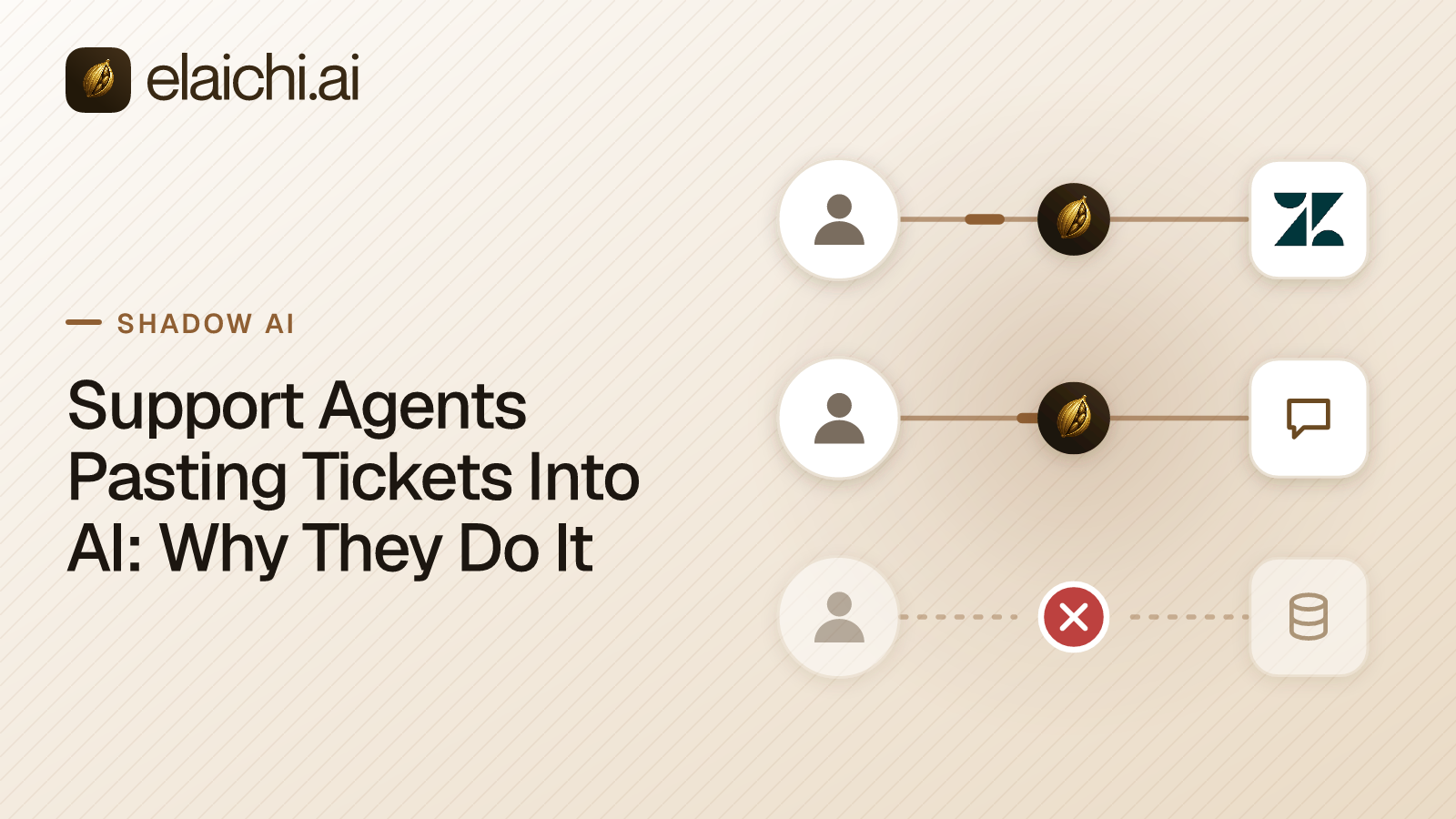
A support lead opens a teammate's screen during a one-to-one and sees the assistant's input box holding a whole ticket. Not a summary. The ticket. Support agents pasting tickets into AI looks exactly like this.
Ticket #48213 - "Replacement part never arrived"
Requester: Dana Whitfield, [email protected]
Phone: +1 415 555 0182
Shipping address: 1180 Harrison Street, Apt 4B, San Francisco, CA 94103
Order: NG-77214, placed 12 Sep, replacement issued 29 Sep

--- conversation ---
Dana: Third time asking. The replacement hasn't shown up and support keeps
closing my ticket. I've already given the address twice.
Agent (14 Oct): Sorry about that, I've reopened and escalated.
Dana: Nobody called. I work from this address so someone is always here.

Draft a reply apologizing and offering expedited reshipment.
Five fields of personal data went into a chat window because the agent wanted one sentence drafted. The name, the email address, the phone number, the street address and the apartment number were copied as one block. Selecting the block is one action. Selecting only the useful parts is five.
That is the shape of the problem. Not malice, not ignorance of policy. A cost difference between two actions.
Why support agents pasting tickets into AI is rational
Support agents pasting tickets into AI is rational because the assistant cannot see the ticket and the agent can. The agent is bridging a gap that nothing else bridges.
Work through what the agent is optimizing. The reply has to reference the specific failure, the specific order and the specific promise somebody already made. A generic apology makes the third complaint a fourth. So the model needs the history. The agent has two ways to supply it: paste the ticket, or retype the relevant parts in their own words.
Retyping costs a minute and introduces errors. Pasting costs two seconds and is exact. An agent handling forty tickets a day picks the two seconds, every time. By the only measure anyone has given them, time to resolution, they are right to.
The policy that says do not paste customer data into AI tools does not change that arithmetic. It adds a rule on top of it. The agent now pastes and says nothing about it. That is worse for the support lead: the behavior continues and the visibility drops.
What actually leaves when a ticket is pasted
When a ticket is pasted, everything in the selection leaves, including the fields nobody needed. The model got a shipping address to draft an apology.
The selection is the unit. An agent highlighting a conversation thread also highlights the requester panel above it, the order reference beside it and any internal note a colleague left. Internal notes are the part support leads tend to miss. Take a note reading "this customer disputed two charges last quarter, watch the refund". It is written for colleagues. It reads differently in a transcript sitting on a consumer AI account.
And the paste leaves no record in the ticket system. The support lead learned about this one by looking over a shoulder. There is no query that lists it. The ticket system saw a read, which is what an agent does all day, and the assistant saw a message, which is also what an agent does all day. Nothing joined them. For what a browser-side log can and cannot establish about pastes, see what a shadow AI browser extension log proves.
What read access to the ticket system removes
Read access removes the reason to paste. If the assistant can look the ticket up itself, the agent types a ticket number instead of a conversation.
The exchange becomes: "draft a reply to ticket 48213, apologetic, offer expedited reshipment." The model calls a read tool against the support system, gets the thread, and drafts. The agent never selects anything. The customer's address is never in the chat. The model read it from the system that already holds it, under a call Elaichi recorded, rather than from a block a person highlighted.
This is a different move from blocking. Blocking leaves the gap and adds friction. Read access closes the gap, which is why the behavior changes rather than going underground. The agent is not being asked to accept a slower path. The faster path now goes through a system that keeps a record.
Elaichi is the MCP control plane this runs on. MCP, the Model Context Protocol, is the standard an AI client uses to call tools. Elaichi serves it at one address, https://api.elaichi.ai/mcp, the same address for every organization. Claude, ChatGPT and Cursor all sign into that one address with OAuth. Which organization and which person a client reaches comes from the grant behind its token, not from the URL. On Claude Team and Enterprise plans an Owner adds a custom connector once from Organization settings > Connectors (Anthropic's guide to custom connectors, checked October 2026), and each member then connects it with their own sign-in.
How connected tools reach the model at all
Through Elaichi, connected tools are never listed one by one, however few there are. The model finds a tool with search_tools and runs it with execute_tool.
That matters for a support rollout in a way that is easy to skip past. The client's tool list holds Elaichi's own operations plus search_tools and execute_tool, and run_code where Code Mode is available. A support agent's Zendesk read tools are not sitting in the list taking up room. The model searches for them when it needs one.
Search is lexical, not semantic. It runs BM25F over the tool name, the names of the toolboxes that reach the tool, the connector label and the descriptions. A relevance floor returns nothing rather than a tool from an app nobody asked about. So a model asked about a ticket searches with tool-ish words and gets ticket tools, not a near-miss from another connector. The mechanics are set out in how MCP tool search picks one tool from hundreds.
One consequence shapes what you can control where. A per-tool permission inside an AI client sees Elaichi's connected tools as one execute_tool. It cannot tell a ticket read from a payroll read, because one tool name carries them all. Claude applies a permission of Always allow, Needs approval or Blocked to a whole connector, to a category of its tools or to a single tool (Anthropic's connectors article, checked October 2026). ChatGPT has its own plugin permissions, and OpenAI says Always allow is not offered as a persistent permission to members of a managed workspace (OpenAI's app permissions article, checked October 2026). Neither setting can single out one connected app behind execute_tool. Per-app and per-tool control is set in Elaichi, as restrictions.
The read-only shape for a support role
A support role that only reads is built with restrictions on the role, not with a hope that nobody tries a write.
A restriction rule has a mode, allow or block, and names whole connectors or single tools. In Elaichi, restriction targets are role or user only; the organization default is the absence of a rule, which means allow everything. Within each layer, blocks beat allows.
Two honest details about the allow path. An allow rule turns on the allowlist for its layer just by existing. So once a support role carries any allow rule, every connector and tool that none of its allow rules names is blocked for that role, across the whole catalog. A role held to a ticket system's read tools therefore also needs allow rules for every other app that role uses. An allow rule also matches a tool by the operation Elaichi pinned when the rule was saved, never by the tool's name. A name is something whoever edits the connector controls. A block rule matches by name or by operation, so renaming a tool cannot slip it past a block. The reasoning is in why blocks match tool names but allows don't.
Restrictions are checked for the person calling, before the call leaves Elaichi, and a tool a restriction withholds is left out of what Elaichi advertises to the client. It is not hidden, though. search_tools still names a restricted match, flagged restricted, with no schema and no way to call it, so the agent can see what to ask for. A restriction change reaches every surface within about two minutes.
Zendesk announced an MCP server of its own on 19 May 2026, marked early access starting that summer (Zendesk's newsroom, checked October 2026). A support team living in one app can reasonably start there: no second vendor, and Zendesk's own permissions apply. Elaichi's case is one address, one set of rules and one audit log across the apps a support team actually touches. For the Zendesk-specific build, including which tools to keep away from an agent role, see Zendesk for support agents, minus bulk deletes.
What the support lead can show afterwards
Every connected-tool call that reaches execution is written to the audit log with the person, the connector, the connection, the tool and the MCP client. A paste produces none of that.
The record names the acting member and the toolbox the call went through. It also records the tool's advertised and catalog names, the connection it reached, the tool's classification, how approval was given, the surface the call came from, and what it touched. For a read, it records the resource type and a result count. It does not record argument names or counts; it records the one path argument that names the object as the target id.
So after a month, the support lead can answer which tickets the assistant read, by whom, from which client. They cannot answer that about the pasted month, and they never will be able to.
Two limits belong beside that. Elaichi keeps 90 days of audit history. A longer history means forwarding it to your own log service, and logging destinations come with the Black plan, which is launching soon. And a call refused at the MCP scope check writes no entry, because that refusal happens before any executor runs.
When read access is not the answer
If the pasted field is one your support team should not be able to read at all, read access through Elaichi does not help, and nothing here should suggest otherwise.
A connection in Elaichi reaches the support system with the credential it was connected with. An agent's own Zendesk login sees what that login sees. If the agent can already open the shipping address in Zendesk, giving the assistant that same read does not widen anything; it moves the read somewhere recorded. But suppose the real finding is that agents can read payment details or health information they have no business reading. Then the fix is in the support system's own permissions first. Elaichi narrows what a member can reach through a connection; it cannot grant less than nothing where the upstream account is already too wide.
And if your support team is one person on one app, you may not need a control plane yet. When you don't need an MCP gateway makes that case properly.
The pasting case is narrower and more common than either: a team with a ticket system, an assistant and no path between them. Close the path and the paste stops paying.
Next, pick the connectors a support role should reach in the connector catalog. The broader version of this argument is in employees pasting customer data into AI.