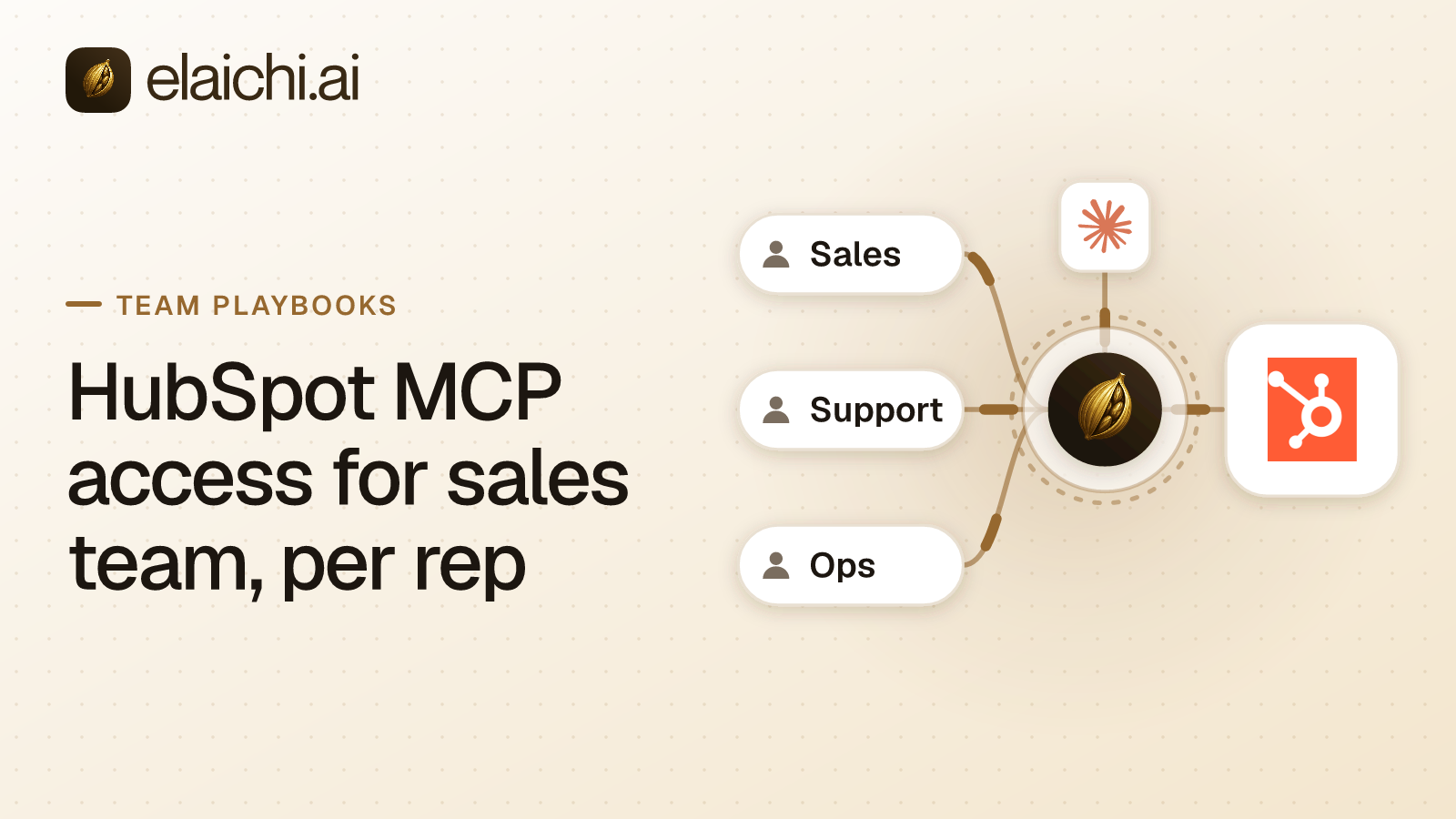
Why HubSpot MCP access for sales team starts with each rep's own login
Because a connection in Elaichi runs as the account that authorized it, not as the person calling it. Share one HubSpot connection with eight reps and all eight calls reach HubSpot as whoever connected it. HubSpot's own permissions then apply to that one account. That account is usually a sales ops admin, with more reach than any rep should have through a chat window.
MCP (Model Context Protocol) is the standard way an AI assistant calls tools in other apps. In Elaichi, each person connects their AI client once and approves their own grant. A grant is the standing permission one client holds for one person in one organization. Every request re-reads it. So the unit of access is a rep, not a team.
That means the tools have to run on each rep's own connection. Three shapes do this: the rep's All tools toolbox, a toolbox they built on their own connections, or a template they stamp themselves. When a rep stamps a template, they pick their own HubSpot connection for each app. A toolbox a manager shares with the team does not do this. Its entries run on the connection pinned into them, under the authority of whoever pinned it. For a per-rep rollout, leave the shared toolboxes alone and let each rep's All tools grant carry their own connection.
Where HubSpot's own MCP server sits behind one address
HubSpot builds and runs its own remote MCP server. So the question is how to get it under one set of rules, not how to write a connector. HubSpot's changelog says the server is generally available and hosted by HubSpot at https://mcp.hubspot.com. It authenticates with OAuth 2.1 and PKCE, and HubSpot says all actions through it respect the user's existing HubSpot permissions. Connecting starts with creating an MCP auth app inside the HubSpot account (HubSpot changelog, checked October 2026).
An organization on Gold can add a remote MCP server as its own connector. That needs the connector:create permission, which among the built-in roles only Org Owner and Org Admin hold. The connector is private until it is shared, and members then connect it with their own sign-in. Check the HubSpot connector page and the wider catalog first for what Elaichi already authors and runs. Bring the vendor's server in where that is the better fit.
After that, the address does not change per app or per person. Claude, ChatGPT and Cursor all sign in at https://api.elaichi.ai/mcp. Each client has its own admin path: on ChatGPT Business, only admins and owners can enable developer mode and deploy a custom MCP app (OpenAI help, checked October 2026). One worked example of the client side lives in the Claude setup walkthrough.
One HubSpot detail matters for sales. HubSpot says Activity objects (calls, meetings, notes, tasks, emails) are blocked from its MCP server in an account with sensitive data protection turned on. That restriction does not apply to HubSpot's standard CRM APIs (HubSpot changelog, checked October 2026). If reps expect to log a call from Claude, confirm that setting before you promise it.
Blocking deal deletion and pipeline edits for the Sales role
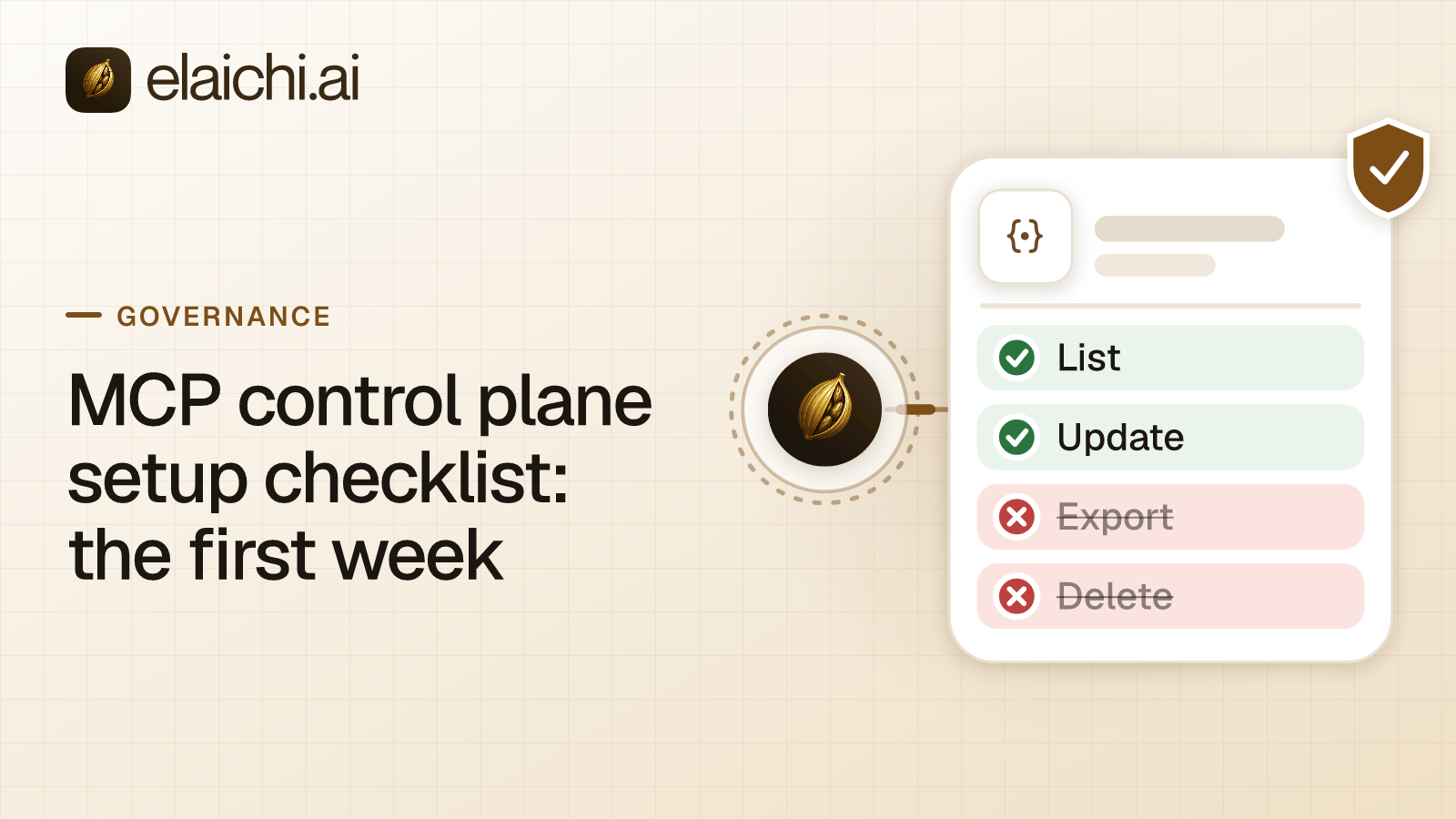
Write one block rule on the Sales role naming the delete and pipeline-update tools. A restriction is a rule that says which connectors and tools a role or one member may reach. It targets a role or a single member, never a team and never the whole organization. So the reps need to sit on one role, and a member holds exactly one.
Use the tool names as they appear in that connection's own tool list. A remote MCP server's tools are discovered per connection. In a restriction rule a remote tool is the resource mcp, with the upstream tool name as its method. Block rules match by name or by operation, so renaming a tool upstream does not slip it past the block.
A block list leaves everything it does not name reachable. That is the trade-off: the pipeline tool you forgot stays callable. An allowlist is tighter, with a cost. Once the Sales role carries any allow rule, the allowlist turns on. Every connector and tool that none of its allow rules names is then blocked for that role, across all connectors. So an allowlist also needs whole-connector allow rules for every other app the role uses. Allow rules match only the operation Elaichi pinned when the rule was saved, never the label. That asymmetry is explained in why blocks and allows match differently.
There is a blunter lever as well. On an organization's own remote MCP connector, its owner or a member with edit access can switch a tool off. That applies to everyone on the connector rather than to one role. Set the connector's new-tool policy to Review if you would rather approve each tool HubSpot's server starts offering.
Role, team and restriction changes reach every surface within about two minutes.
What a rep sees in Claude after the connection
The rep approves scopes on Elaichi's consent screen. Those scopes are the standing approval for that client. "Run your connected tools" (mcp:tools) covers every tier of connected tool, deletes in HubSpot included. "Delete data and remove access" covers Elaichi's own data, not HubSpot's. So no consent checkbox makes a connected app read-only. Hold a client to reads by picking toolboxes of read tools at consent, or by blocking the write and delete tools with a restriction.
On Claude Team and Enterprise plans an Owner or Primary Owner adds a custom connector from Organization settings > Connectors. Each member then finds it under Customize > Connectors and clicks Connect to authenticate (Anthropic support, checked October 2026). Claude sets connector tool permissions to Always allow, Needs approval or Blocked. Each setting applies to a whole connector, a category of its tools or a single tool (Anthropic support, checked October 2026). Those settings cannot single out one connected app, because connected tools are never listed one by one, however few there are. The model finds them with search_tools and runs them with execute_tool.
A tool a restriction withholds is not advertised to the client. It is not hidden from the rep either. It still appears in search results by name, flagged restricted and with no schema, with a way to ask an admin for access. That request is decided in the console under Governance > Access requests, by a person, never by the AI.
The audit query that finds stage changes
Every connected-tool call that reaches execution writes one row. In the console's audit log, set the category to Assistant, pick the rep as the actor, and set a start date. Then search the tool's name as free text. Free text matches the action, resource type, resource id, acting user id and the event's metadata. The row records both the advertised and the catalog tool name, so the name is the reliable handle.
Two traps. Filtering the audit log to MCP does not show MCP tool calls. Connected-tool calls sit in the Assistant category, and the MCP category holds client grants. And by action kind, a connected-tool call counts as other, not updated.
What the row gives you is the acting rep, the connector, the connection the call actually reached, the tool and its classification. It also records how approval was given, the surface, the MCP client, the outcome, and a target. The target is the resource type plus the id taken from the one URL path argument that names the object. For a deal update, that id is the deal.
What it does not give you is the new stage. Apart from that one path argument, a connected-tool row records no argument values. It records neither argument names nor an argument count. So the evidence reads as: this rep ran this tool against this deal from Claude at this time, and it succeeded. The before and after live in HubSpot's own record. Decide up front whether that is enough. What an AI agent audit log must capture works through the general case.
The console exports the current view as CSV with its filters applied, stopping at 10,000 entries. Elaichi keeps 90 days of audit history; for longer, export to your own Datadog comes with the Black plan, which is launching soon.
What the removal of a rep actually revokes
Removing or suspending a member revokes every MCP grant they hold in that organization. Grants are re-read on each request, so their clients fail on the next call. Reactivating them does not bring the grants back; they consent again.
Their HubSpot account is untouched. Removing a member ends their access through Elaichi, not their accounts in the connected apps. Those stay until they are deprovisioned in HubSpot or through the identity provider. If a departing rep's connection backs anything shared, transfer it during the removal rather than after. Outside offboarding, only a connection's owner can transfer it. Offboarding when the agent holds access covers the rest of the estate.
When a shared HubSpot login is still the right answer
If one person in the company touches HubSpot and nobody else will, per-rep grants buy you nothing. Say your reps only ever ask read questions and already hold HubSpot seats. HubSpot's own MCP server is then a shorter path, with one fewer vendor in it. That is a fair place to stop; when you do not need an MCP gateway makes the case properly.
The argument for putting it behind Elaichi starts at the second app. One address, one place where the Sales role's restrictions are written, and one audit log across HubSpot and everything else the team reaches. The same pattern on another CRM is in each rep's own Salesforce access in ChatGPT. The marketing side of HubSpot is in should marketing get HubSpot inside ChatGPT. The model underneath both is MCP governance. A sales-side sibling using the same per-rep shape on a different tool is Outreach access in Cursor.